Thursday, 3 November 2016

3D: Rigging Leo-Walking Cycle Test (part 9)


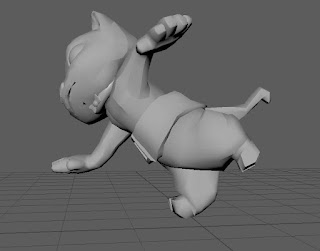
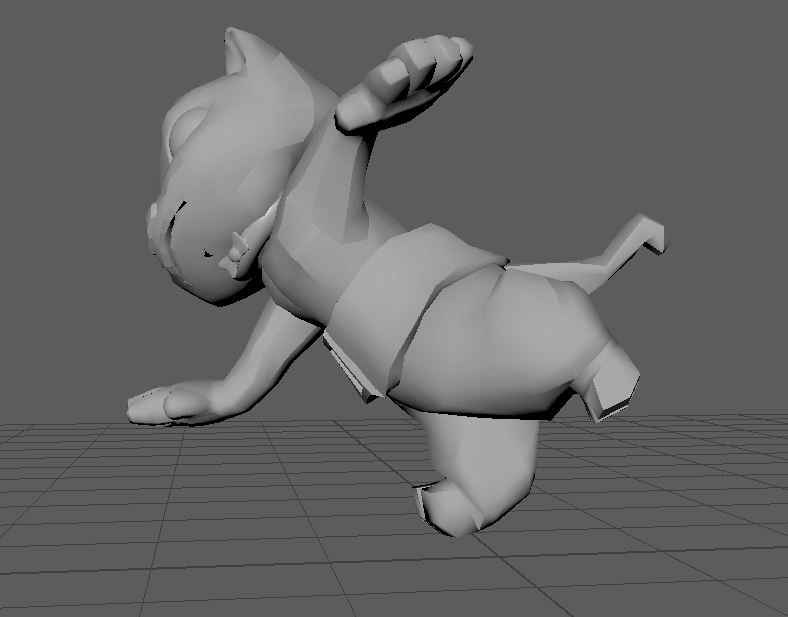
Something went a bit odd when I was moving my character... I thought I broke it. I'm supposed to select all the curves then make a frame- then move it. I tried to move a curve while everything else was still selected. I didn't know that at the time...


But here is a early test scene of a simple walk cycle. Still needs a lot of improvement. I've found out his legs have very limited movement- because his legs are so short and stumpy, so I had a lot of tweaking to do as I had tried to make his walk a bit exaggerated, but it didn't work, so his steps are very small.


Tuesday, 1 November 2016

3D: Rigging Leo- painting weights still (part 8)


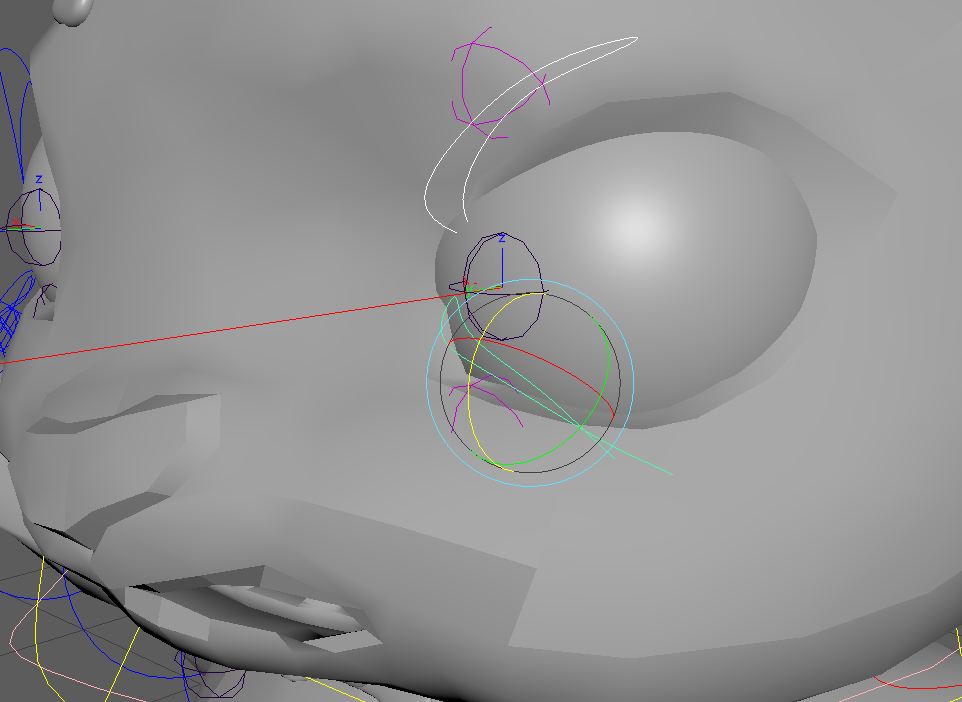
I have finally figured out my blink! It takes a while to do, but this is the best I can do with the painted weights. I kinda dig the little flicks at the end, looks a bit cat like, and it might not be visible when his texture is applied.


The ear was annoying to do, anytime I move it he cranium would cave in.


Sometime went wrong  when I opened it one day, and all the heads skin weights had disappeared! I was actully pretty stoked because I can work from a blank canvas and don't have to do the terrible job of replacing weights which screws everything up. I felt pretty proud of my ear, now feeling like I'm finally catching onto skin painting!


But something has gone wrong with the skin painted weights and a bit below the belt... I can't get rid of it! Anytime I move his head or bend his spine, the bit above the leg follows. There's only painted weights on the root joint, but I can't get rid of it despite there being nothing on the other joints. Do I need to replace it? Should I unlock a leg one and replace it? Last time I did that, it didn't go well.


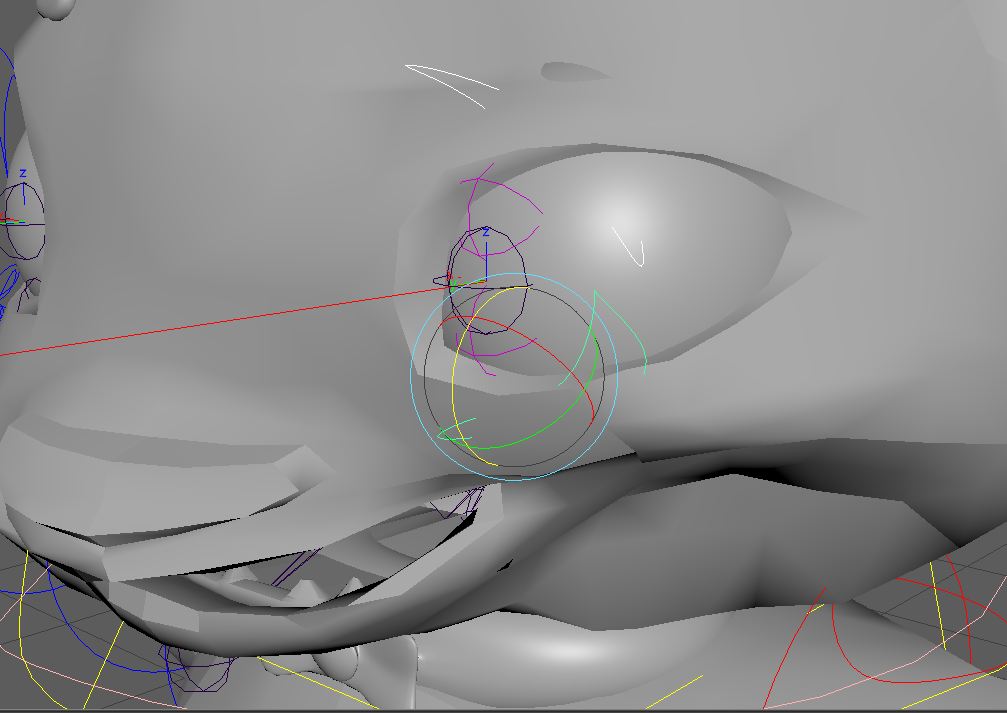
Here, I struggled with the mouth opening, But I finally managed it, and put 100%weighting on everything on the bottom inside

Bouncing ball - 3D Exersise

The single ball is my first 3D animation. 
One of my videos went a tad funny, but it was soon fixed up. Something about the camera angle maybe. 


Sunday, 30 October 2016

3D: Rigging Leo-Posing, skinning weights (part 7)

So I have finally skinned and parented everything. Skin weight painting is giving me a lot of grief, I can't seem to work it out without making it worse that it was before. The head is strangely not aligned, so when i move it it moves on a angle, but I can work with it.


The eye lid still need a lot of work with weights. As it moves the whole face. It does give it a bit of expression, but I need it too blink.


So I have tried posing it a bit, Making him look a bit sassy. The ear indents the skull when moved so I need to fix that too.


Wednesday, 26 October 2016

3D: Rigging Leo- Skinning ft. attempting Wrist-Twist (part 6)


I Began the Wrist-twist. And all was well. Except that when I binded them, they would change position permanently. I couldn't change it once it was connected. It came out of nowhere; all its attributes were on zero then suddenly one would change and wouldn't stay no matter how may times we tried to alter it. 


We decided that he probably wouldn't need so much wrist-twisting as he arms are so short and stumpy, so one would suffice. But it kept going funny too. Unable to fix it, I'll unfortunately have to leave it. Lucky for me it's no compulsory, though it would have a nice effect on my character. 


This is the effect of the parenting of controls and joints gone wrong. I only was moving the wrist a little bit too! But after retracing steps, it seems to work as it should.


So exciting! The after effect of finally skinning him! I like how when I move his geo up, his legs droop like a jumping motion. The foot controls seem to be working nicely.


Wednesday, 19 October 2016

3D: Rigging Leo- progress and control feedback (5)


Here I have made the reverse feet, and made a world control. now I have finished coloring the controls on my character and sorting out the parenting in my outliner.


For feedback, my classmate can't control my character yet, I haven't done skinning yet. So I just got feedback for my controls. Everything is fairly easy to access. However since my character has very little of a neck, the controls can get a bit confusing. It was recommended that I could change the color on the jaw or head control just to make it easier to differentiate.
I changed it to a peachy color, something that wont stand out to much, but enough. Nothing that would get confused with the other colors.